
Link your account
Sign in through Steam so rewards can be attached to your copy of the game, then link Discord to verify your membership. We never see your Steam password — Steam handles sign-in and only tells us your public profile.
Not signed in
Sign in with Steam to link your Discord account, submit feedback, and claim rewards that carry into the game.
- Sign in with SteamSteam confirms who you are through its own login page.
- Link DiscordWe check whether you are in the Blood Moon Games server.
- Send feedbackOne accepted report earns the Field Analyst role.
- Launch the gameFrom Update 0.7, rewards are applied when Blood Moon Horror starts. Until then they are saved to your account.
Rewards
Unlocks are permanent. Once earned, a reward stays on your account even if your Discord membership changes later. You can earn them now; they appear in game from Update 0.7. The build on Steam today (Update 0.6) cannot show them yet.
Crimson Ashlight suit
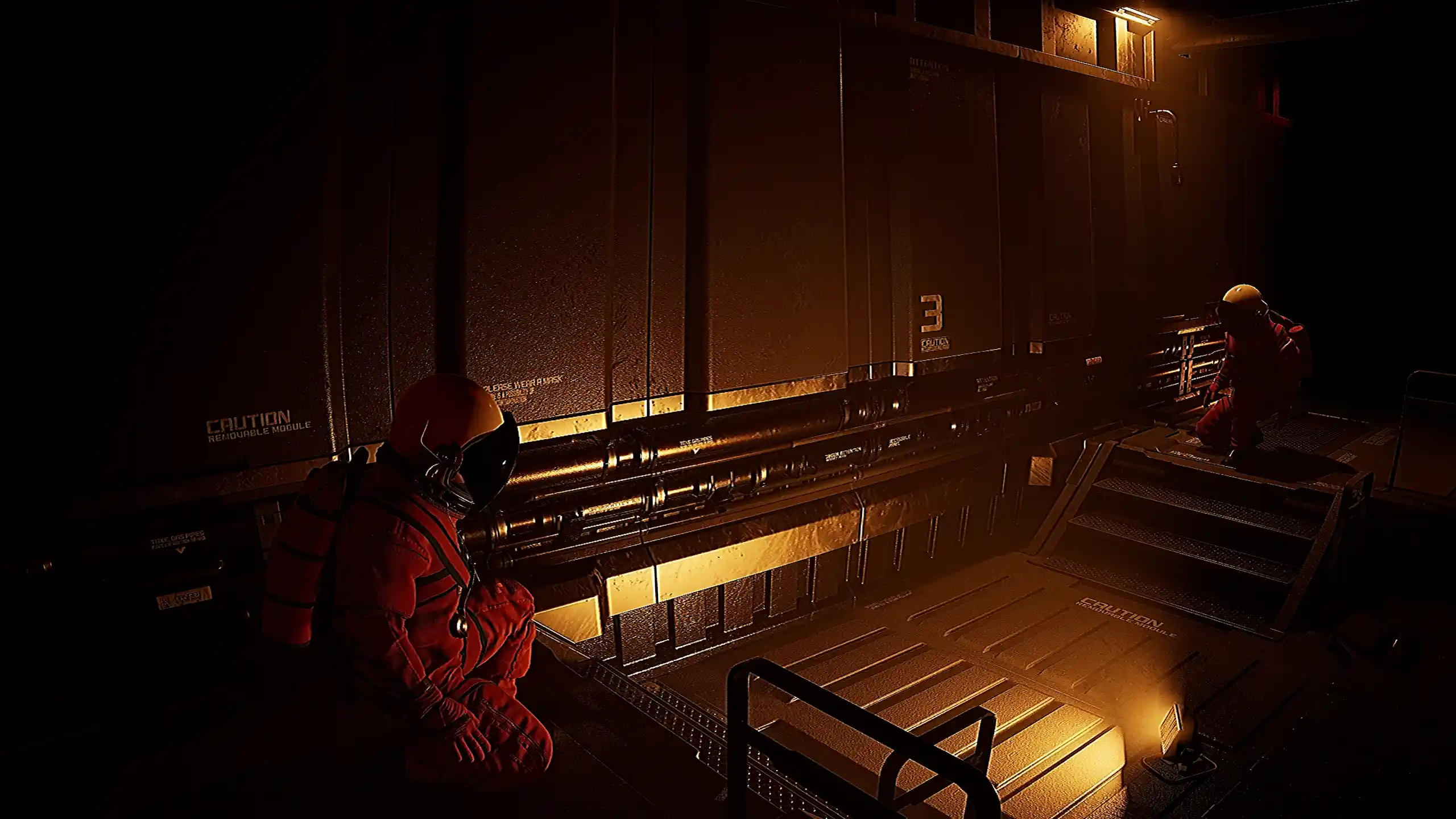
A blood-red Ashlight Recovery hardsuit variant, unlocked for verified Discord members.
How to unlock Join the Discord server
Field Analyst
In-game Field Analyst status for players who file mission feedback.
- Field Analyst name plate and badge in the lobby
- Analyst channel access in Discord
- Early read on upcoming patch notes
How to unlock Submit one feedback report
Send a mission report
Reports go straight to the studio Discord. Specific beats long — build number, what you were doing, and what went wrong is enough.
Sign in to send feedback
Feedback is tied to your account so the Field Analyst reward can be granted automatically. Prefer to stay anonymous? Use the contact form instead.
Reward questions
When do rewards appear in-game?
From Update 0.7. Rewards you earn now are saved to your account straight away, but the build on Steam today (Update 0.6) predates in-game rewards, so they first show up when you launch Update 0.7 or later. From then on the game checks your unlocks at startup, so restart it if you claimed something mid-session.
Do I lose the skin if I leave Discord?
No. Once a reward is unlocked it stays on your account permanently. The Discord role itself is removed by Discord when you leave the server.
What do you store about me?
Your public SteamID and profile name, your Discord ID and username, and the feedback you send. Nothing else — see the privacy policy.
Can I link a second Steam account?
One Discord account links to one Steam account. This keeps the reward fair for everyone rather than farmable.